


Compare platforms
Rhombus Security alternative
Comparing Rhombus Security cameras? Visylix keeps video in your building, works with cameras you own and publishes its prices.
Rhombus sells cameras run from its cloud. Visylix keeps video in your building, on the cameras you have.
We make Visylix. Each fact about Rhombus links to its own page.
Reviewed by the Visylix Engineering Team · Last updated
Visylix is a Rhombus Security alternative for teams that want to keep video on their own servers and use the cameras they already own.
Side by side.
| Question | Visylix | Rhombus |
|---|---|---|
| Where it is managed | On your own servers, at the edge, or in your own cloud account. Can run with no internet. | A cloud video management system, in Rhombus's words.2 |
| Cameras | ONVIF cameras, device packs for the top five brands, and footage on six recorder families. | Its own cameras, from the R120 Mini Dome to the R600 Multisensor.1 |
| How it is licensed | Starter and Pro: unlimited cameras on the VMS licence. AI with Enterprise, on the cameras you choose. | A licence per camera.1 |
| Where the AI comes from | 22 analytics built in-house. | Built into its own platform.2 |
| AI assistant | Radha: 111 tools, asks before 13 high-impact actions, runs on your servers. | Rhombus MIND, which can answer questions, take actions and create reports.2 |
Sources
- Rhombus pricing, rhombus.com/pricing, checked on 15 November 2026.
- Rhombus console, rhombus.com/console, checked on 15 November 2026.
What Rhombus does well.
Rhombus offers cameras, access control and live monitoring in one cloud console, so there is one place to manage them.2
Its AI assistant, Rhombus MIND, can answer questions, take actions and create reports, and its hardware and licence prices are published.1,2
Where Visylix is different.
Video stays in your building.
Visylix is software on servers you own, at the edge or in your own cloud account. Enterprise can run with no internet at all.
Keep the cameras you have.
Visylix works with standard ONVIF cameras from many brands, with device packs for the top five. There is no camera range to buy into.
A copilot on your own hardware.
Radha has 111 tools and runs on your servers. Your questions, your footage and its answers stay on servers you control.
Moving from Rhombus
1. Plan the cameras
Rhombus cameras are licensed per camera for its own service, so plan to bring in ONVIF cameras over time, site by site.
2. Connect your cameras
Add ONVIF cameras in bulk, with device packs for the top five brands.
3. Bring your people
Sign in with Active Directory or LDAP. Set who can see and do what.
4. Switch on AI where it counts
Choose the cameras for AI on Enterprise, then add rules.
Buying their cameras, or keeping yours
Rhombus sells its own camera range, from the R120 Mini Dome to the R600 Multisensor, with a licence for each camera.1 Choosing it usually means replacing the cameras you have.
Visylix is software only. It works with ONVIF and RTSP cameras from many brands, with device packs for the top five, and it can open footage on your existing recorders. A site can move in stages, camera by camera.
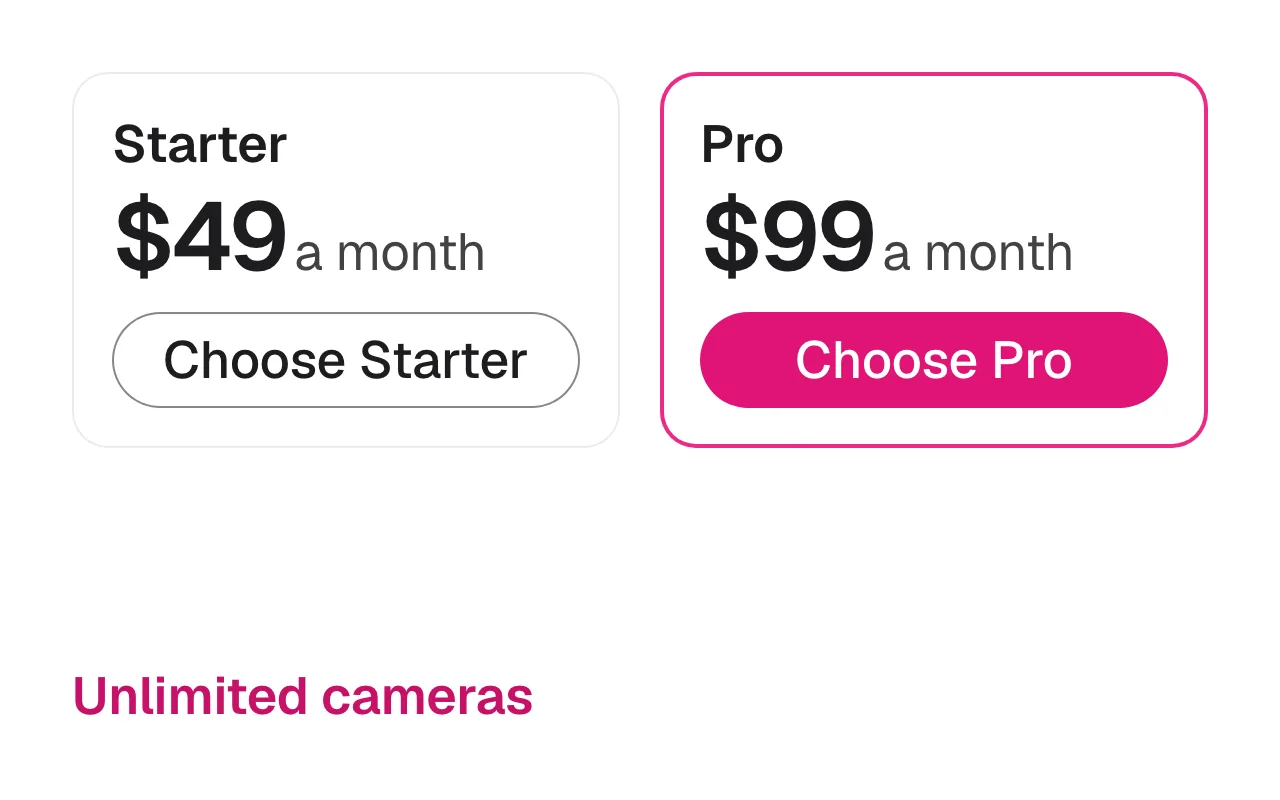
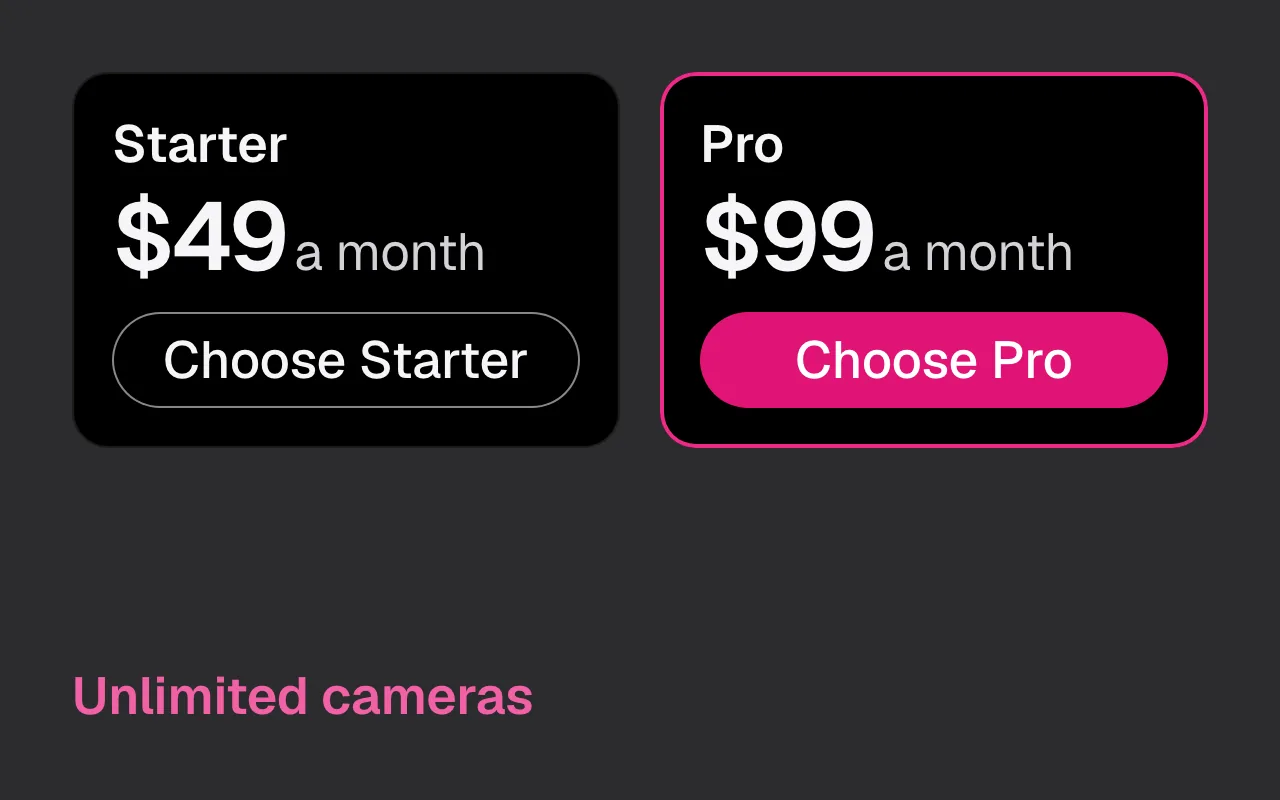
On Enterprise, AI comes on the cameras you choose, so you decide where analytics run. Starter and Pro put no cap on cameras on the VMS licence, at $49 and $99 a month.
Where your questions go
Rhombus calls its platform a cloud video management system, and its assistant, Rhombus MIND, can answer questions, take actions and create reports.2
Radha, the Visylix copilot, runs on your own hardware. Your questions, your footage and its answers stay on servers you control. That matters when a question names a person, a plate or a place.
Radha has 111 tools. It answers in English, Hindi and Hinglish, always asks before 13 high-impact actions, and has no tool that deletes anything. Every call lands in the audit log.
Trying it before you commit
Visylix has a free 7-day trial on one camera, with no credit card. Connect a camera you already own and see live view, recording and search on your own server.
For a wider test, book a 30-minute demo on cameras like yours. We reply within 24 hours, and we show the analytics and rules your site would use.
Enterprise adds AI on the cameras you choose, with on-site setup, training and 40 hours of consulting. When a clip has to leave the site, Pro and Enterprise export it as a sealed player that opens offline.
Prefer to own the software outright, rather than renew a licence for each camera? Ask about a perpetual licence with optional yearly maintenance.
Rhombus Security alternative in short
Rhombus Security sells its own cameras, licensed per camera, and manages them in its cloud console. Visylix is software that runs on your own servers and works with the standard ONVIF cameras you already own. Video stays in your building. Starter and Pro put no cap on cameras on the VMS licence, from $49 a month.
Teams comparing Verkada and Rhombus are often choosing between two cloud camera systems. If video must stay on site, Visylix is a third option. It runs 22 AI analytics built in-house on your own hardware. Its rules and its Radha copilot run there too. And Enterprise can run with no internet at all.
Questions buyers ask
How is Rhombus priced?
Rhombus lists a licence per camera and its camera hardware on its own pricing page (checked on 15 November 2026). Visylix works with the cameras you own: Starter and Pro put no cap on cameras on the VMS licence, from $49 a month.
Verkada vs Rhombus vs Visylix: which fits?
Verkada and Rhombus both sell their own cameras with cloud management. Visylix is software on your own servers that works with the cameras you have. See Visylix vs Verkada and other Verkada alternatives.
Or jump to:Verkada alternativesDeployment