

The short answer
Natural language search lets you find footage by describing it, instead of scrubbing timelines. Visylix does it with Radha, a copilot that runs on your own servers and answers in English, Hindi and Hinglish.
Natural language video search finds security footage from a plain description, so nobody has to scrub through timelines. It is one of the newest uses of AI video analytics, and in Visylix it is the job of Radha, the AI copilot.
This guide explains what plain language search can find in security footage, how a copilot can act on what it finds, and what to ask before you let one near your cameras.
What does natural language search mean?
It means you search in normal words. “Show me the white car at the main gate this morning” instead of picking cameras, dates and filters by hand.
Natural language video search lets you find security footage by describing it in normal words. Instead of picking cameras, dates and filters by hand, you type what you want, such as the white car at the main gate this morning. In Visylix this is done by Radha, a copilot that runs on your own servers.
Behind the question, the system still works with the same facts a careful operator would: which cameras, which hours, which detections. The difference is that you no longer have to translate your question into filters yourself.
Older systems offer forensic search through forms. You choose a camera, a time range and an object type, then scroll through thumbnails. That works when you already know where to look. It is slow when the question is loose, such as a delivery van that came in sometime yesterday afternoon.
Plain language search keeps the same evidence but changes the way in. You ask once, in a sentence, and get back clips, times and cameras you can open straight away.
What AI video search can find
Radha can find every sighting of a plate, with exact journeys and travel times. It finds face sightings for an operator to confirm. It shows where a person went across cameras, by how they look. It can also start a patrol tour or set up a watch.
Radha can find every sighting of a number plate, with exact journeys and travel times between cameras. It finds face sightings for an operator to confirm, and shows where a person went across cameras by how they look. It can also start a patrol tour or set up a watch. It answers in English, Hindi and Hinglish.
Plate journeys come from number plate recognition and are exact. Person journeys come from person tracking and are appearance based: leads for an operator to confirm, never proof of who someone is. Events can be searched by type, camera and time, such as every crowd alert on the concourse last week.
Requests an operator might type:
- Show every sighting of plate MH12AB1234 today, with travel times.
- Where did this person go after leaving the lobby?
- Show every crowd alert on the concourse last week.
- Recall the main gate preset and start the night patrol tour.
- Watch the loading bay for anyone there after 10 pm.
Plate watches go further than exact matches. Watch rules can match part of a plate with a wildcard, such as MH12*. Watch lists catch look-alike characters, such as 0 and O, or 8 and B.
Search also covers the events Visylix detects on its own, such as blocked exits, stopped vehicles, wrong way driving, falls and abandoned bags. The AI analytics behind these searches come with the Enterprise plan, on the cameras you choose.
Where plain language search helps most
After an incident. An investigator rebuilds the timeline from plate sightings with travel times. A person's path across cameras and the alarms raised along the way fill in the rest. The result can leave as a sealed evidence player.
Gates and car parks. Security checks a visitor's plate against the day's sightings. Or it adds a plate to a watch list, so the next sighting raises an alert.
Large sites. On a campus, factory or city network, nobody remembers every camera name. Asking for the main gate or the loading bay is quicker than hunting for camera 147 in a long list. Our video management system guide covers how large estates are organised.
Search that acts, not only answers
A search tool that only answers leaves the next step to you. Radha has 111 tools across Visylix, so the same conversation can open the clip, recall a camera preset, start a patrol tour or arm a watch with Sudarshan.
Acting needs limits. 13 high impact actions always wait for your yes, Radha has no delete tool, and every call it makes is recorded in the audit log.
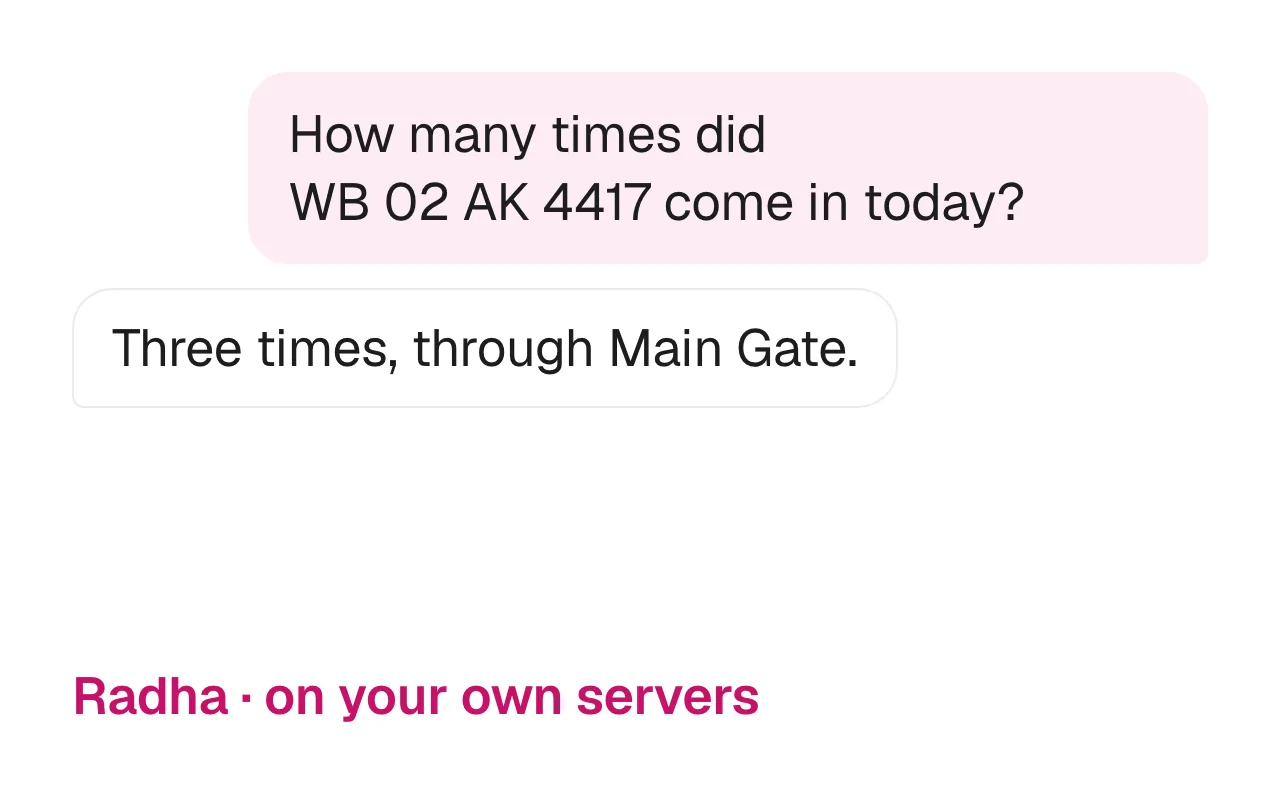
A short exchange might run like this. An operator asks where the car with a given plate went after 9 pm. Radha returns each sighting with its time and camera. The operator asks it to recall the yard camera preset and start the perimeter tour. Radha recalls the preset, then asks for a yes before it starts the tour.
Watches work the same way. You describe what to look for, such as a person near the loading bay after hours. Sudarshan then keeps watching live and alerts you when it appears, so a search turns into protection for the next shift.
What stays in your control
Radha runs on your own servers. It has 111 tools. 13 high impact actions always ask you first, and every call is recorded in the audit log.
Your questions matter as much as your footage. A question like “where did this person go” is itself sensitive, so it should never leave the building. With Radha on site, the question, the footage and the answer all stay on servers you control, and roles decide who may ask what.
Visylix has 46 permissions across 4 roles, which decide what each operator may see and do. The audit log is tamper evident, so nobody can quietly edit the record of who searched for what.
When footage leaves as evidence, it leaves as a sealed player that anyone can check offline. Faces and plates can be redacted on export, and shared case links carry the recipient's name burned into the video. Sites with no internet at all run Radha too, under the Enterprise offline licence.
Searching for people: know the rules
Search that finds people raises legal questions, so check the rules where you operate. The EU AI Act bans building facial recognition databases through untargeted scraping of facial images from the internet or CCTV footage (Article 5).
The same article tightly limits live remote biometric identification in publicly accessible spaces for law enforcement, allowing it only for listed purposes.
In the US, NIST released the AI Risk Management Framework on 26 January 2023. It is a voluntary guide to managing AI risks to people, organisations and society. Its lessons apply to search: know what the system can do, test it on your own footage, and keep people in charge.
Visylix keeps a person in the loop. Person journeys and face sightings are leads for an operator to confirm, and every copilot call is logged.
Questions to ask any vendor
Where does the language model run? Does it act, or only answer? What does it need your approval for? Is every action logged?
Ask any vendor four questions before you buy video search. Where does the language model run, in their cloud or on your servers? Does it only answer, or can it act? What does it need your approval for? Is every action logged? Radha runs on site, has 111 tools, always asks first before 13 high impact actions and logs every call.
Two more questions are worth asking. Can it search footage already on your recorders, or only footage it recorded itself? And will the vendor show it working on your own cameras? A Visylix demo takes 30 minutes, and we reply within 24 hours. For a side by side look at another vendor, see Visylix vs Spot AI.
Is there a Google search for videos?
For your own security footage, the closest thing is a copilot like Radha. It searches your recordings in plain words, on your own servers.
Web search engines find public videos through their titles, captions and pages. Security footage is private, sits on your own recorders and is never indexed, so no web search can reach it. A copilot fills that gap: the same ease of typing a question, pointed at your own recordings.
Can it search in Hindi?
Yes. Radha answers in English, Hindi and Hinglish, so an operator can ask in the words that come naturally.
That includes mixing Hindi and English in one sentence, the way many control rooms already talk. The Visylix interface itself comes in 55 languages, including 13 Indian languages. Ask any vendor to show this live, with your own operators typing.
FAQ
Is there a Google search for videos?
For your own security footage, the closest thing is a copilot like Radha. It searches your recordings in plain words, on your own servers.
Can it search in Hindi?
Yes. Radha answers in English, Hindi and Hinglish.
Does it need the cloud?
Not with Visylix. Radha runs on your own servers, including fully offline sites, so your questions and footage never leave the building.
Can it find a person by their face?
Radha finds face sightings for an operator to confirm. A match is a lead, never proof of who someone is, and the decision stays with a person.
Can it act without asking?
Low risk steps, such as opening a clip, run straight away. 13 high impact actions always wait for your yes, Radha has no delete tool, and every call is logged.
Sources
This guide supports Radha, the AI copilot on the Visylix platform.