


NVR replacement means moving recording off a fixed recorder box and onto software, while you keep your cameras and your old footage. It is part of the VMS guide.
What is an NVR for security cameras?
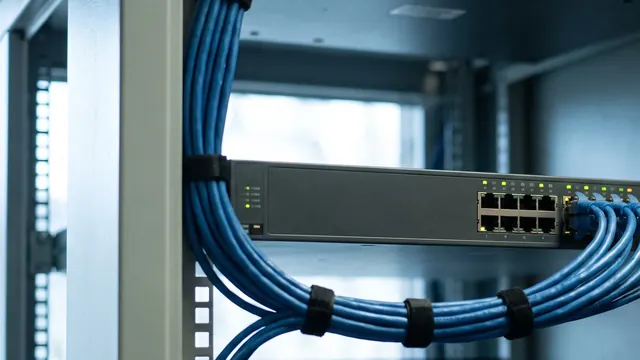
An NVR, or network video recorder, is a box that records IP cameras over the network to its own disks. It is simple to install, but its storage and channel count are fixed. Our NVR vs DVR guide explains how it compares with older recorders.
NVR replacement means you stop recording on a fixed box and move to video software that runs on normal servers. You keep the IP cameras you already own. Visylix can also open the footage stored on many old recorders. So past recordings stay easy to search while the old box runs out its time.
Can any DVR work with security cameras?
A DVR works with analogue cameras over coaxial cable. IP cameras need an NVR or video management software instead.
Which is best, an NVR or a DVR?
For IP cameras, an NVR or software; for existing analogue cameras, a DVR. The NVR vs DVR guide goes into detail.
How do I find my NVR's port?
Open the network settings on the recorder's own screen or web page. The web, server and RTSP ports are listed there. RTSP uses port 554 by default, so start there if the menu is hard to find.
Why teams move beyond the NVR
NVR and DVR boxes (network and digital video recorders) did their job for two decades. But they box you in. Storage is fixed, so a full disk means new hardware. More cameras means another recorder. Remote viewing usually means opening ports or juggling VPNs.
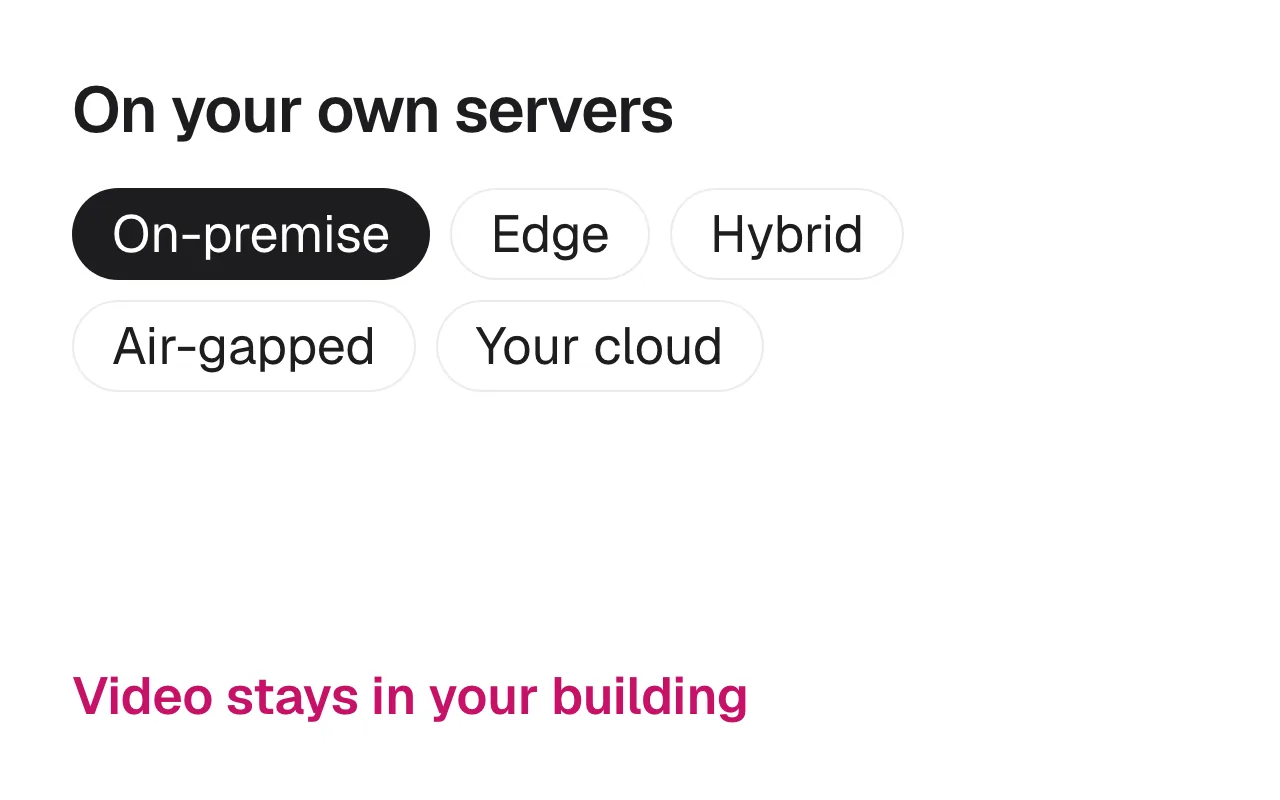
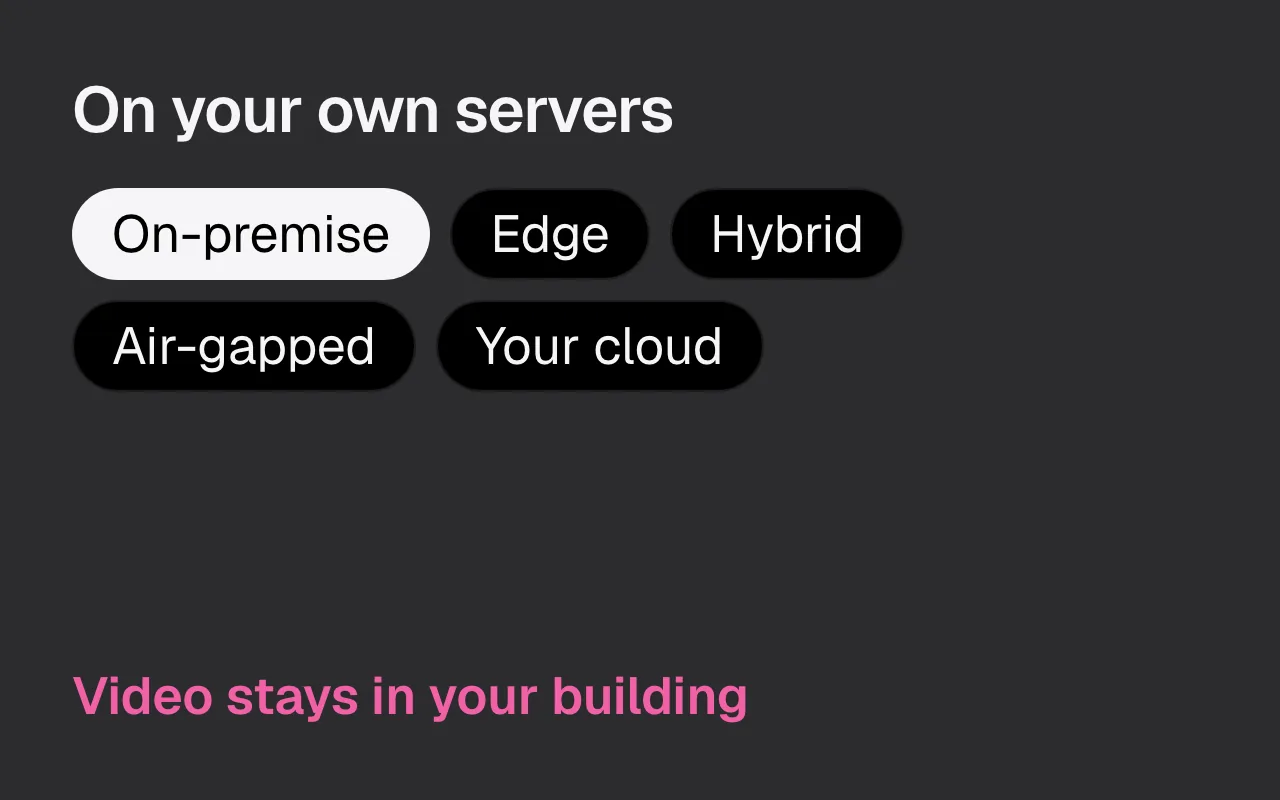
A software VMS (video management system) removes those limits. It runs on servers you choose: in your building, at the edge, or in your own cloud account. Storage grows with your needs, new cameras are added in minutes, and AI analytics run on the same platform. For multi site estates, one console for everything is reason enough to switch.
What is the lifespan of an NVR?
As long as its disks last and its maker keeps releasing firmware. When either ends, the box has to be replaced. Software on standard servers takes the box out of that cycle.
Step 1: take stock of your cameras
A safe switch follows five steps. List your cameras and check they speak ONVIF or RTSP. Keep the old recorder running so its footage stays readable. Check the network can carry each stream. Run the old and new systems side by side for a week or two. Then move live view and recording across and retire the box.
List every camera: make, model, firmware and current resolution. The good news is that you rarely need to replace any of them. Visylix connects to ONVIF cameras (the open standard most IP cameras speak) and to any camera that offers an RTSP stream.
For the most common brands, Visylix ships ONVIF device packs that set cameras up correctly from the start, with bulk administration so you configure hundreds of devices at once rather than one by one.
Read how to use the cameras you already own.
Step 2: keep your old footage
Many migrations stall over one question: what happens to the recordings still sitting on the old NVR? Visylix answers it. It reads NVR archives directly from Hikvision, Dahua, Uniview, I8H, Bosch and Panasonic recorders, and recognises CP Plus, Honeywell, Sparsh and Godrej models too.
That means you can search and play back historic footage from the new console while the old recorders run out their retention. Nothing is lost on day one.
See recording and NVR playback for the full list of recorders Visylix opens.
Which NVR brand is best?
There is no single best box. If you are replacing one, the best brand is the one you already have, because Visylix can read its footage.
Step 3: plan the network
Decide where video will live. Most organisations keep recording on premise, close to the cameras, so the full video stream never crosses the internet. Hybrid designs process video on site and share only alerts and clips with head office.
Viewing is simple either way. Visylix is web first and runs in any modern browser, with sub second live view over WebRTC, down to under 200 ms in ideal conditions. There is nothing to install at the desk.
Check your switches can power every camera; see Power over Ethernet for IP cameras, and every option on deployment options.
Step 4: run in parallel, then cut over
Run Visylix alongside the existing NVR for a few weeks. Confirm every camera connects, recordings are kept as required, and operators are at home in the new console. Then retire the old boxes.
You can move in phases: start with one building or one floor, then add the rest. The free seven day trial, with no credit card, lets you test with your real cameras before you commit.
Step 5: add AI where it pays
Once recording runs on software, add AI to the cameras where it earns its keep: number plates at the gate, safety gear on the floor, intrusion at the fence. AI comes with Enterprise, on the cameras you choose, so you never pay for AI on a corridor camera that does not need it.
Mistakes to avoid when replacing an NVR
The first mistake is forgetting the network. A recorder with its own PoE ports often hides a flat camera network behind it. When cameras move to a switch, give them their own network segment. Then check the server can reach every one.
The second is losing footage you must keep. Agree the retention period first. Then decide whether old recordings stay on the old box until they expire, or move to the new system.
The third is reusing old passwords. Set a new password on every camera as it moves, and create a separate ONVIF user for the video system.
How much storage will you need?
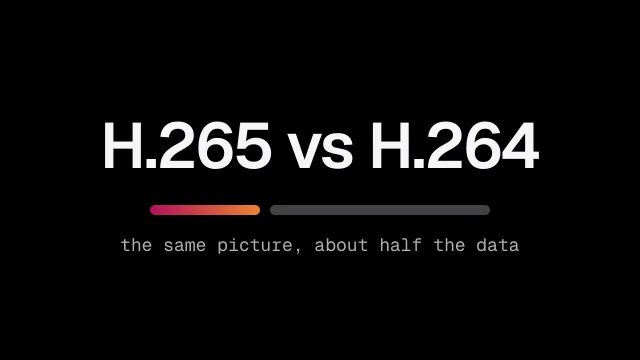
Storage depends on five things: how many cameras you have, their resolution, their frame rate, the video format and how many days you keep. Higher resolution and higher frame rates take more space. Scenes with constant motion take more than quiet corridors.
A software VMS lets you add disks or servers as you grow, instead of buying another box. Retention can be set per camera, so busy gates can keep footage longer than empty stores.
What NVR replacement costs
Visylix Starter costs $49 a month and Pro costs $99 a month, or ₹4,999 and ₹9,999 a month in India plus GST. Both put no cap on cameras on the VMS licence, so a full recorder never means buying more licences. AI analytics come with Enterprise, on the cameras you choose.
The rest of the bill is hardware and time. A software VMS needs a server sized to your camera count and retention, plus disks, while your cameras stay where they are. Budget the hours to add cameras, set up users and run the old and new systems side by side for a few weeks. Visylix can open footage on Hikvision, Dahua, Uniview, I8H, Bosch and Panasonic recorders, so old video stays searchable while it ages out.
AI analytics such as face recognition, number plate recognition or PPE detection come with Enterprise, on the cameras where you want them. Enterprise plans are priced to your estate.
See current plans on pricing.
FAQ
Do I have to replace all my cameras when moving from an NVR to a software VMS?
No. Visylix connects to ONVIF cameras and to any camera that provides an RTSP stream, which covers almost every IP camera in service. Device packs for the leading brands make setup fast, and bulk tools configure many cameras at once.
What happens to the footage on my old NVR?
You keep it. Visylix reads archives directly from Hikvision, Dahua, Uniview, I8H, Bosch and Panasonic recorders, and recognises CP Plus, Honeywell, Sparsh and Godrej models, so operators can search old footage from the new console while the recorders run out their retention.
Does a software VMS mean my video goes to someone else's cloud?
Not with Visylix. It runs on your own servers, at the edge, or in your own cloud account. Video never leaves infrastructure you control, and fully air gapped sites are supported with an offline licence.
How do you cut over without losing coverage?
Run Visylix in parallel with the existing NVR for a few weeks, confirm recordings and operator workflows, then retire the old hardware. You can migrate in phases, and the free 7-day trial lets you test on your real cameras first.
Sources
This guide supports recording and NVR playback on the Visylix platform.